When developers first hear about "code-to-video," most assume all tools operate on the same mental model: write some TypeScript, define an animation, and let a headless compiler spit out an MP4.
That assumption works until you actually try to build something. The moment you need to render an existing React component or choreograph a complex multi-node vector path, the ecosystem splits into two fundamentally opposed camps. On one side is Remotion, which approaches video as a declarative series of React DOM snapshots. On the other side is Motion Canvas, which treats video as an imperative, procedural timeline executed against an HTML5 canvas.
They both produce MP4 files, but they are built for entirely different problems. Picking between them is not a matter of feature checklists. It is a decision about whether you are animating web user interfaces or authoring motion graphics from scratch.
What It Is
Remotion is a framework that brings video rendering to standard React. You write ordinary TSX components with HTML elements, Tailwind CSS classes, inline SVG paths, and custom React hooks. Instead of keyframes on a timeline, Remotion gives you a frame counter via useCurrentFrame(). When you export a video, Remotion opens a headless instance of Chromium, renders your React tree at every single frame mark (frame 0, frame 1, frame 2), takes screenshots, and pipes those rasterized frames into an ffmpeg process to encode a video file.
Motion Canvas is an imperative vector animation engine written in TypeScript and powered by Vite. It does not use the DOM, CSS, or standard web layout engines. Instead, it renders entirely to an HTML5 <canvas> context using procedural generator functions (function*). Animations are expressed sequentially through yield* expressions that pause and resume execution as virtual time elapses.
The Mental Model: UI = f(frame) vs The Coroutine Timeline
Slide Gallery· two-mental-models
1 / 4
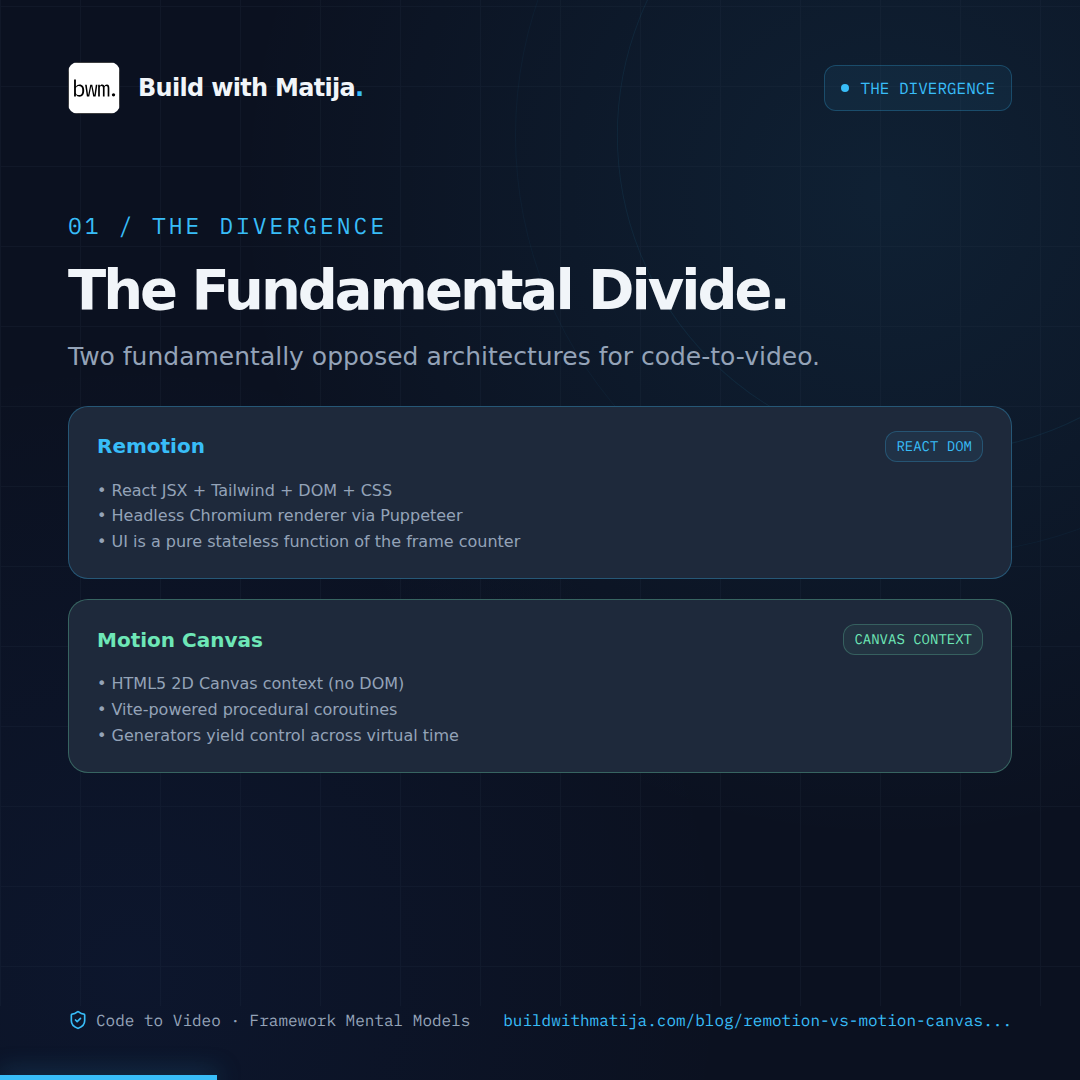
The Fundamental Divide: Both produce MP4s, but Remotion animates React DOM snapshots while Motion Canvas animates canvas vectors imperatively.
To understand why these tools feel so different to write, consider how they represent time.
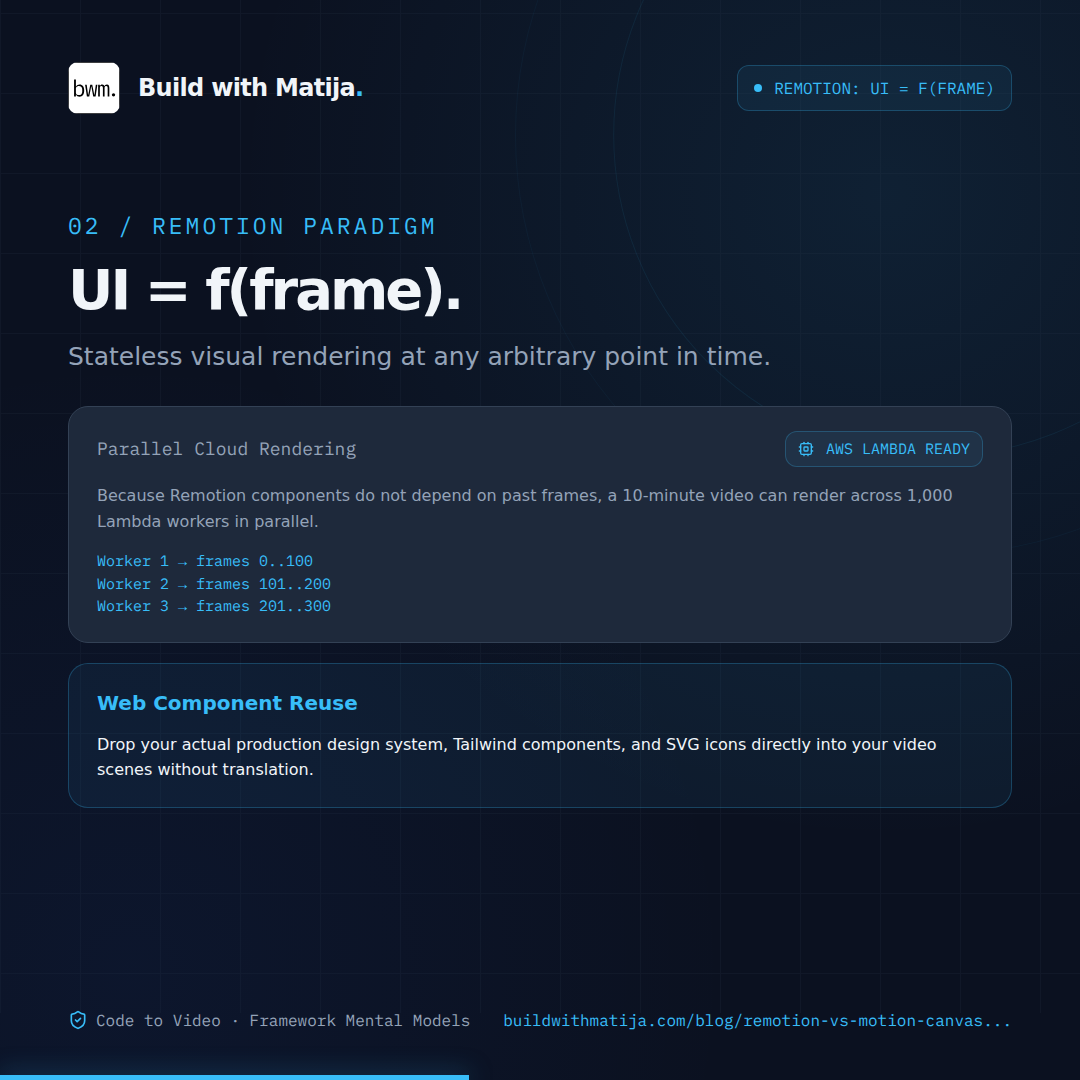
Remotion operates on the classic React paradigm where UI is a pure function of state, except here the primary state variable is the current frame number: UI = f(frame). There is no concept of "waiting two seconds and then moving." Instead, every component must be able to calculate its exact visual appearance at any arbitrary point in time independently:
If you scrub the playhead directly to frame 15, Remotion does not need to execute frames 0 through 14. It simply evaluates the equation for frame = 15.
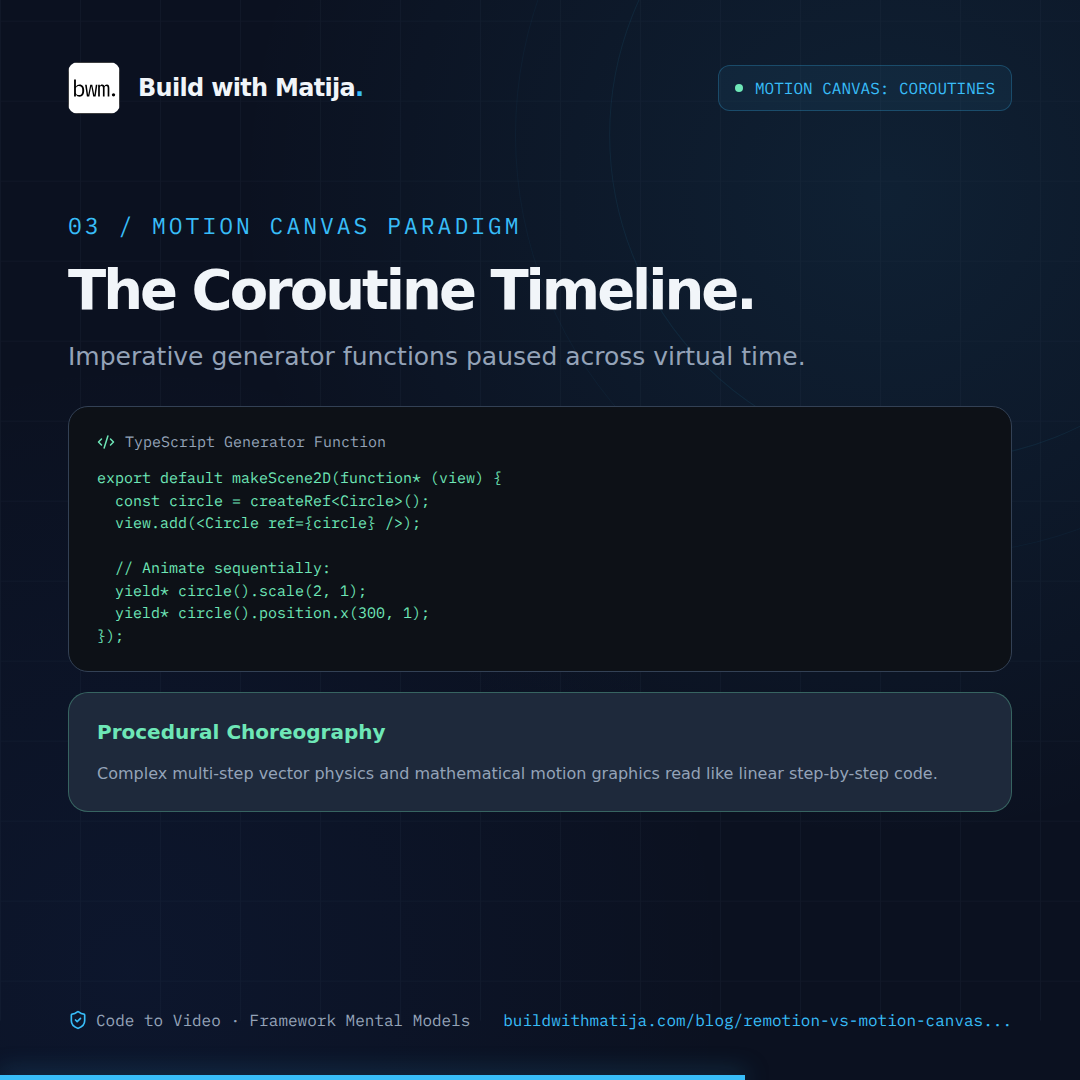
Motion Canvas inverts this completely. It uses TypeScript generator functions as coroutines, modeling time as an unfolding story. You write imperative instructions that block the execution thread until the animation step completes:
ts
// File: src/scenes/architecture.tsimport { makeScene2D, Circle, createRef, all } from'@motion-canvas/2d';
exportdefaultmakeScene2D(function* (view) {
const circle = createRef<Circle>();
view.add(<Circleref={circle}size={80}fill="#38bdf8" />);
// Execution pauses here for 1.0 second while the circle animatesyield* circle().size(160, 1.0);
// Only runs after the previous line completesyield* circle().position.x(300, 0.8);
});
Because of this generator architecture, Motion Canvas thinks like an animator. You tell an object to move, wait for it to arrive, and then trigger the next reaction.
When To Use It
Reach for Remotion when your video content is based on Web UI
If your goal is to showcase product interfaces, automate social preview cards from database records, turn blog architecture diagrams into teaser videos, or animate real application dashboards, Remotion is almost always the right tool. You can copy-paste your production Tailwind classes, import your existing design system components, use real typography stacks, and render SVG icons directly from libraries like Lucide. You do not have to recreate your web app inside a bespoke animation dialect because Remotion literally runs your web app.
Reach for Motion Canvas when you are building explanatory motion graphics
If you are producing educational videos, explaining complex algorithms, animating interconnected graph nodes, or demonstrating mathematical concepts (similar to 3Blue1Brown-style visualizations), Motion Canvas is vastly superior. Its vector math engine understands path tweening, signal routing, arrow attachments, and camera coordinates out of the box. Choreographing five interacting vector nodes in Motion Canvas takes twenty lines of clean, readable generator code; attempting the same choreography in Remotion requires complex coordinate math mapped across multiple frame interpolators.
When NOT To Use It
Do not reach for Remotion if you need character animation, physics-heavy vector simulations, or complex morphing paths. Because Remotion relies on the browser DOM, pushing thousands of simultaneous SVG nodes or running intensive canvas computations frame-by-frame will degrade render speeds to a crawl. The DOM is an excellent document layout engine, but it is an inefficient canvas for raw geometric motion.
Conversely, do not use Motion Canvas if you expect to drop in your company's React components, CSS stylesheets, or markdown renderers. Motion Canvas has no DOM. You cannot use Flexbox, CSS Grid, or Tailwind utilities. Every layout box, text node, and border radius must be explicitly constructed using Motion Canvas's proprietary 2D node primitives. If your design relies on complex responsive text reflow or styled HTML markup, recreating that inside a canvas engine will waste hours of developer time.
Gotchas & Common Mistakes
1. Asynchronous Layout Desynchronization in Remotion
The most common mistake when starting with Remotion is fetching data, loading web fonts, or executing asynchronous layout work inside a standard useEffect without notifying the rendering engine. When Remotion exports a video via headless Chromium, it captures frames as fast as the CPU allows. If your custom font or API payload takes 200 milliseconds to resolve, Chromium may capture frames 0 through 15 before your layout finishes painting, leading to visual flickering or layout shifts in the final MP4. You must explicitly gate frame progression using Remotion's delayRender and continueRender handles until all external typography and network assets are verified in memory.
2. Assuming Motion Canvas JSX is React
Developers frequently see TSX angle brackets in Motion Canvas examples and assume they can import standard React packages or npm UI libraries. It is a visual trick of TypeScript tooling. Motion Canvas implements its own custom JSX runtime that constructs canvas scene-graph nodes, not React Virtual DOM elements. Attempting to use React hooks like useState or importing third-party React components will trigger immediate runtime errors.
3. Overlooking Commercial Licensing Boundaries
Motion Canvas is published under the standard MIT license, giving you unrestricted freedom for personal, open-source, and commercial projects without financial caps. Remotion, while source-available and free for individuals and companies with up to three people, uses a custom commercial license. If you are building automated video infrastructure inside a larger enterprise, you will need an active paid commercial license. Discovering this after wiring your entire publishing pipeline into Remotion can create unexpected procurement friction.
Conclusion
Remotion and Motion Canvas represent two distinct answers to the code-driven video challenge. Remotion treats video as a progression of React states, making it the natural extension for web engineering teams who want to leverage their existing HTML, CSS, and component systems. Motion Canvas treats video as a timeline of coordinated procedural events, making it the premier choice for standalone technical explainers and mathematical vector graphics.
Reach for Remotion when your video content lives in the DOM. Reach for Motion Canvas when your video content lives in geometry.
If you have questions or ran into a different gotcha when setting up code-to-video pipelines, drop a comment below. And if you found this useful, subscribe for more practical frontend architecture breakdowns.