While reorganizing a development workspace, I wanted internal documents and tests to remain at their familiar project paths. I also wanted their future changes tracked in a private repository. Symlinks made that possible, but the useful insight is broader: the path you use to open a file and the Git repository that tracks it are separate decisions.
What happens when you split them
Slide Gallery· workspace-history-split
1 / 4
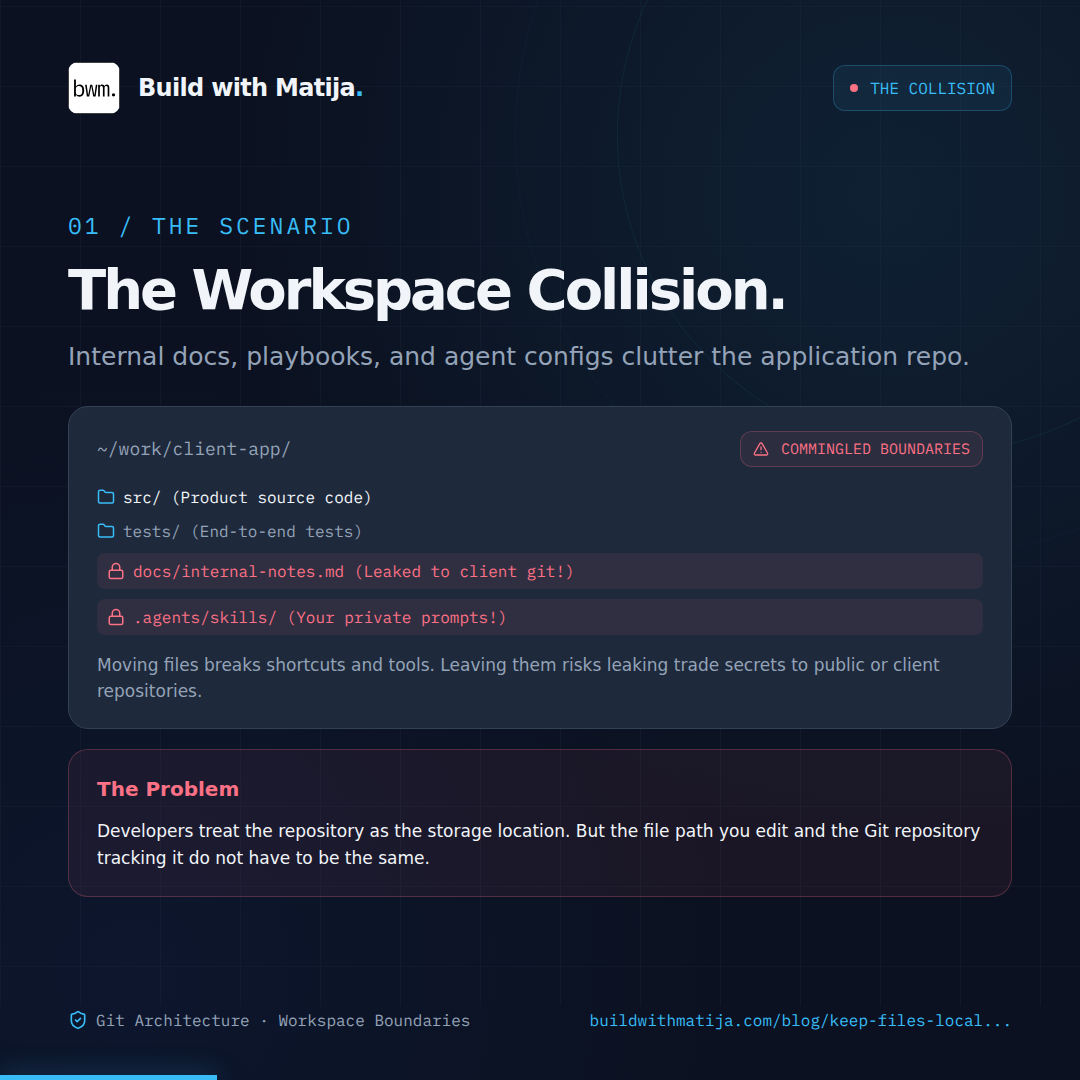
The Workspace Collision: Internal notes, agent configs, and tests shouldn't pollute the client repository, but moving them breaks editor habits.
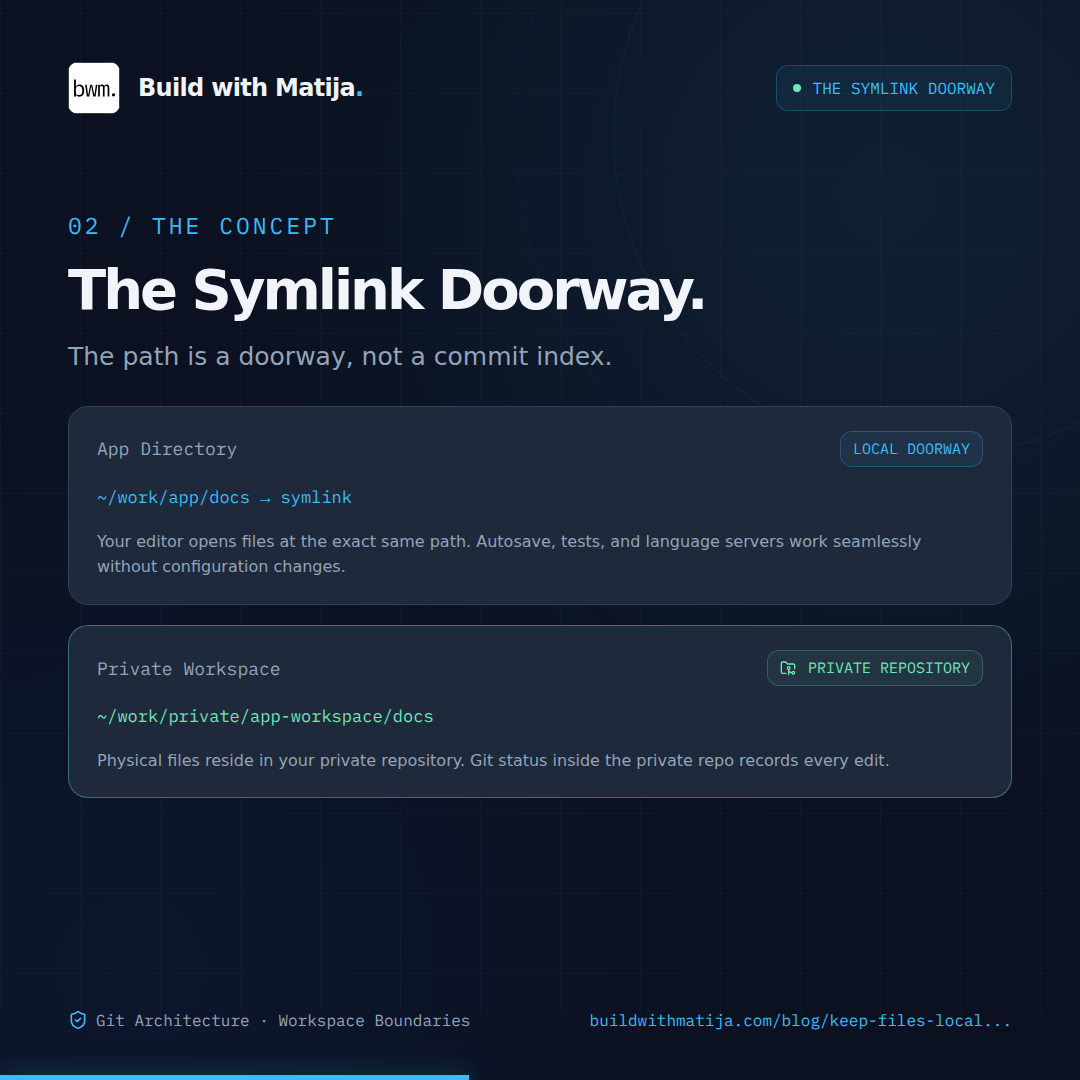
Imagine an application at ~/work/app and a private workspace at ~/work/private/app-workspace. The documents physically live in the private workspace. ~/work/app/docs is a symlink pointing to them.
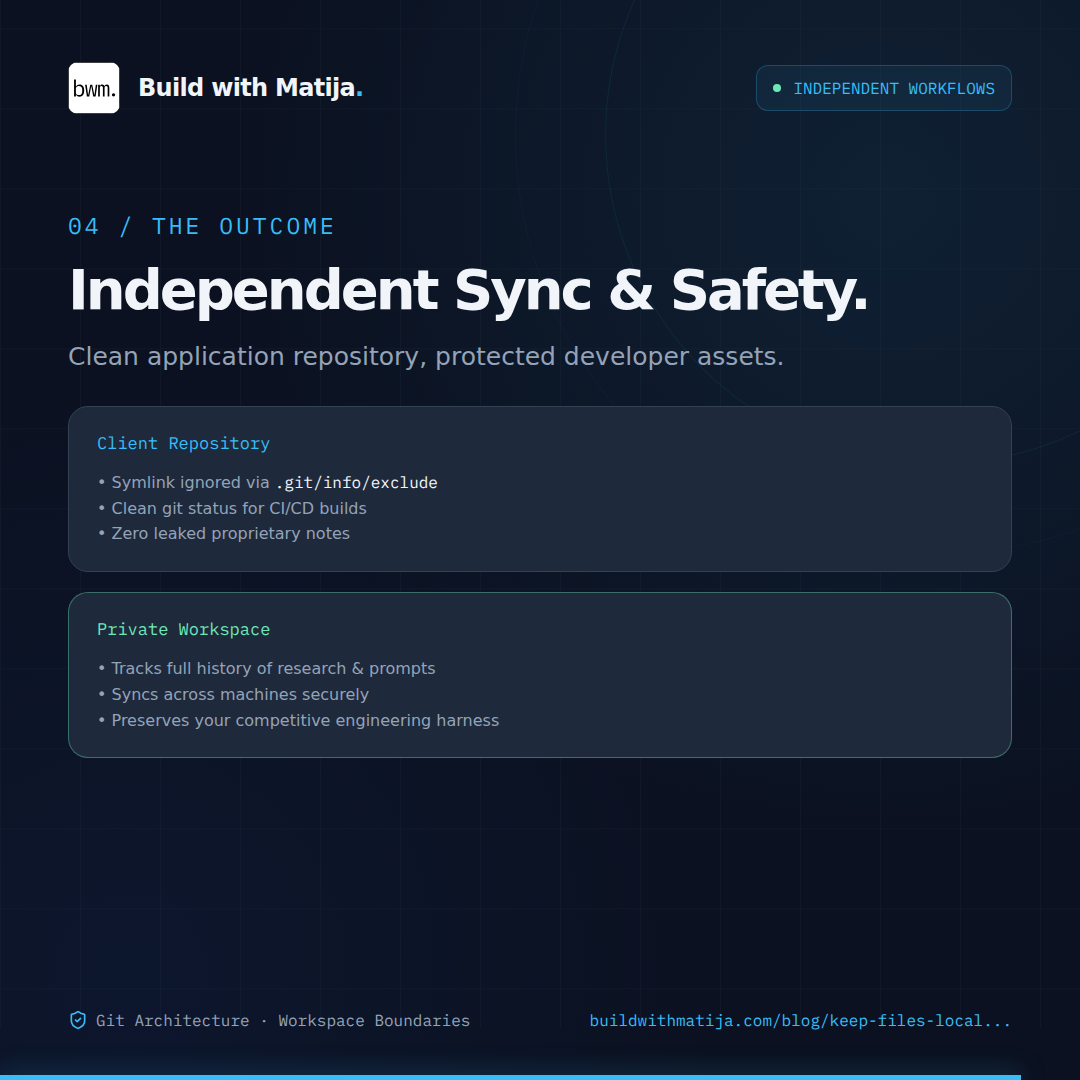
An editor can still open ~/work/app/docs/architecture.md. Saving it changes the private file, so git status in the private repository reports the edit. The application repository ignores the local symlink.
Think of the application path as a doorway. It gets you to the document; it does not decide which Git index records changes to it.
When this is useful
This fits internal documentation, reports, agent configuration, and other working files that you want beside an application during development but under a separate repository boundary.
It needs more thought for files used by automated builds or CI. A clean clone of the application repository will not contain your local symlinks. If that clone needs the files, its environment must also receive the private workspace.
A guide to making the move
The example below moves docs/. Repeat the same checks for each additional directory. Run it only after reviewing the paths in your own repository.
1. Back up the current files
A filtered Git history contains committed files; it will not capture your current uncommitted edits. Back up the working directory first.
bash
APP_DIR="$HOME/work/app"
PRIVATE_DIR="$HOME/work/private/app-workspace"
BACKUP_DIR="$HOME/backups/app-workspace-$(date +%Y%m%d-%H%M%S)"mkdir -p "$BACKUP_DIR"
tar -czf "$BACKUP_DIR/source.tar.gz" -C "$APP_DIR" docs
tar -tzf "$BACKUP_DIR/source.tar.gz" >/dev/null
Check git status in the application repository and note any edits or renames under docs/.
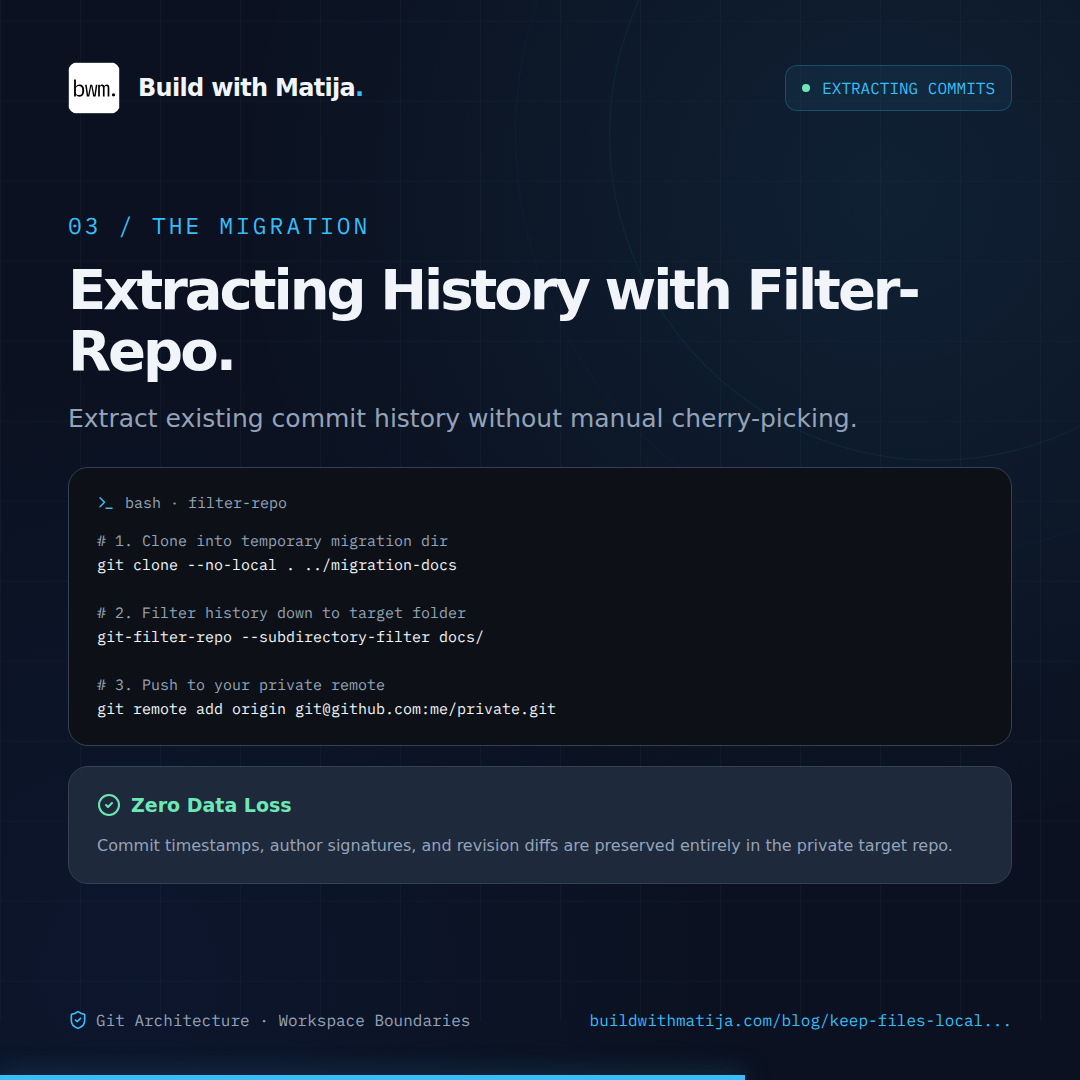
2. Extract the committed history
Use a temporary clone. This leaves the application repository’s history untouched.
Inspect the result before publishing it. Its current tree should contain the intended private paths and no application code. git-filter-repo may remove the temporary clone’s original remote; that is expected.
3. Create and populate the private repository
Create an empty private GitHub repository, then push the filtered main history. The example assumes GitHub CLI authentication is already set up.
Confirm the final command prints PRIVATE. Then copy the current local files into that checkout. The --delete option makes renames and deletions match the source directory, which is why the backup comes first.
bash
rsync -a --delete --exclude='.git' \
"$APP_DIR/docs/""$PRIVATE_DIR/docs/"
Review git -C "$PRIVATE_DIR" status --short before staging. Add private ignore rules for generated files and keep credentials out of the commit. Once the current contents look right, commit and push them in the private repository.
4. Replace the application directory with a local symlink
Only do this after confirming the private checkout has the current files. Remove the tracked paths from the application repository’s index, keep the original directory in the backup, and create the link.
The --cached flag matters: it stages Git’s removal of docs/ without deleting the working files. The entry in .git/info/exclude ignores the new symlink on this machine without putting the private workspace path in a committed .gitignore.
5. Check both sides before committing the application change
Confirm the familiar path still works and the symlink is locally ignored.
bash
test -d "$APP_DIR/docs"
git -C "$APP_DIR" check-ignore -v --no-index docs

git -C "$PRIVATE_DIR" status --short
git -C "$APP_DIR" status --short
Make one temporary edit under the private docs/ directory. It should appear in the private repository’s status and remain accessible through "$APP_DIR/docs". It should not appear as an untracked file in the application repository. Remove the probe, review the application’s staged diff, and only then commit its tracked-file removals.
The gotchas I ran into
An ignore rule does not untrack a file. Git continues tracking a path already in its index. That is why the move requires git rm --cached before the ignored symlink behaves as intended.
Test files are sensitive to physical paths. When tests live behind a symlink, Node may resolve them at their location in the private checkout. Relative imports, package resolution, and fixtures can then point somewhere new. In my workspace, local links back to application code and dependencies were needed, and a test that inferred the repository root from its own file path had to use the application working directory instead. Verify the actual test runner before moving tests/.
Older application commits still contain the old files. This process changes current tracking and preserves the selected history in the private repository. It does not erase historical copies from the application repository.
Conclusion
A symlink preserves a useful local path while Git tracks the underlying files in a separate repository. Use this when the local workflow benefits from those familiar paths and each repository’s contents are clear. Keep a directory in the application repository when an application-only clone must have it.
If you have questions or ran into a different gotcha, drop a comment below. And if you found this useful, subscribe for more.